
The GoodWe ES series photovoltaic storage inverter user manual provides safety instructions, installation steps, wiring diagrams, operation modes, LED…
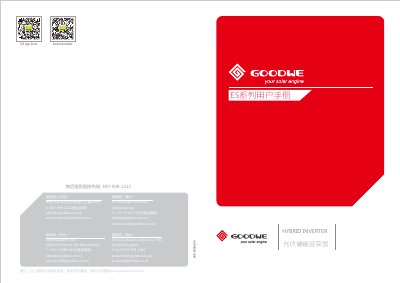
This manual introduces the GoodWe ES series photovoltaic storage inverter, a bidirectional inverter that stores solar energy in batteries and supplies power to loads or the grid. It outlines safety requirements, installation guidelines, electrical connections, Wi‑Fi setup, and how to use the EzManage app for monitoring and control.
The document contains sections on safety warnings, device installation, wiring diagrams for PV, battery and AC connections, LED indicator meanings, fault code descriptions, technical parameters, certifications, and operating modes such as ES, backup and grid‑support modes. This manual is written in Chinese.
| Dimensions (W×H×D) | 516 mm × 440 mm × 184 mm |
|---|---|
| Maximum AC Output Power (GW5048D‑ES) | 5000 W |
Press and hold the Wi‑Fi LED for more than 2 seconds until it flashes, then release; the LED will flash again to indicate reset.
A solid green LED means the system is running normally.
Disconnect the DC input and AC grid connections, wait at least 5 minutes before touching the inverter, and ensure the inverter is powered down to avoid electric shock.