
SB1500 / SB1502 SB1506 User's Guide introduces the Sound Blaster Z-Series's usage and installation steps, including required system environment and other help information.
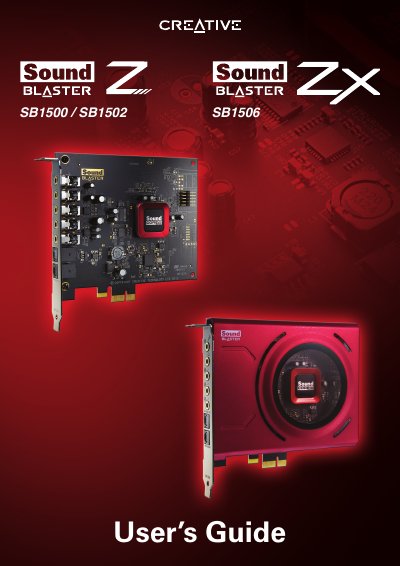
This guide explains how to install and use the Creative SoundBlaster Z-Series audio card, including system requirements and hardware connections. It also covers software installation and audio settings for optimal performance.
The guide includes detailed information on connecting speakers, headphones, and the optional AudioControl Module, as well as system compatibility requirements for Windows 7, 8, and 8.1. This manual is written in Japanese.
| Processor | Intel® Core™2 Duo or equivalent AMD™ processor (Core™2 2.0GHz or higher, or equivalent AMD processor recommended) |
|---|---|
| Operating System | Microsoft® Windows® 8.1 32-bit or 64-bit, Windows 8 32-bit or 64-bit, Windows 7 32-bit or 64-bit |
| Memory | 1GB or more system memory |
| Hard Disk Space | 600MB free space |
| Audio Card | PCI Express (PCIe®) compatible |
Requires Intel® Core™2 Duo or equivalent AMD™ processor (Core™2 2.0GHz or higher recommended), Windows 7/8/8.1 32-bit or 64-bit, 1GB+ RAM, 600MB free hard disk space, and a PCIe slot.
Connect the AudioControl Module to the SoundBlaster Z-Series using the provided cables. It includes a built-in Beamforming microphone and 3.5mm/6.3mm audio jacks for headphones and microphones.
Includes Creative software for audio drivers and utilities, with automatic updates available via the Creative Software Auto-Update system.