
This is a manual for a handheld digital microscope
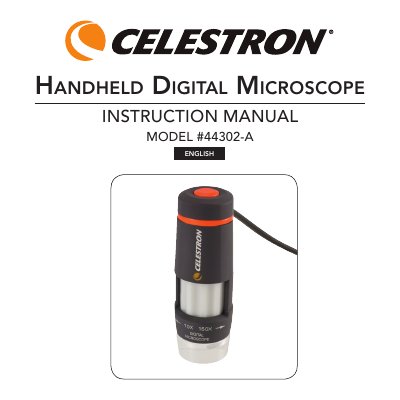
This manual provides instructions for the Celestron 44302-A Hand Held Digital Microscope, a precision optical instrument designed for hobbyists, educators, and professionals. It supports magnification powers from 10x to 40x and 150x when used with a 19-inch monitor. The device features a built-in 2MP CMOS digital camera, 6 white LED illuminators, and a USB 2.0 connection for power and data transfer to computers running Windows 7, XP, Vista, or Mac OS X 10.4.9 and later.
| Magnification | 10 to 40x & 150x using a 19” Monitor |
|---|---|
| Camera Sensor | 2MP CMOS Sensor |
| Resolution | 1600x1200 pixel array |
| Weight | 4 oz (113 g) |
| Dimensions | 4.25” x 1.25” (108 mm x 32 mm) |
| Illuminator | 6 White LEDs |
| USB Interface | USB Cable 2.0 |
The microscope is compatible with Microsoft Windows 7, XP, and Vista, as well as Apple Mac OS X version 10.4.9 and later.
Use the snapshot button on the microscope or click 'Capture an Image' in the software.
The measuring function measures distance with an accuracy of 1/100th of a millimeter.