
This manual provides instructions for using the Celestron CPWI software to control computerized mounts, perform alignments, and utilize features like SkyViewer.
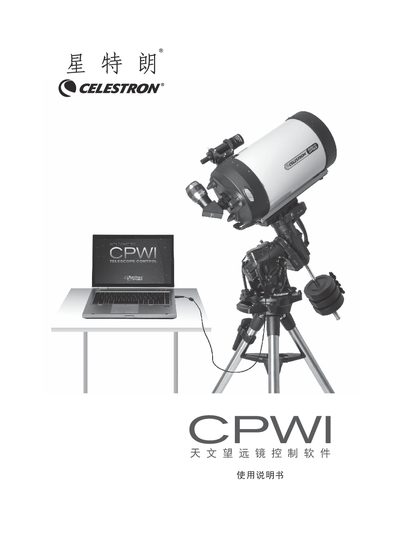
The Celestron CPWI (Computerized Personal Workstation Interface) software allows users to control compatible Celestron computerized mounts directly from a PC. Key capabilities include aligning the telescope, pointing to celestial objects, and utilizing an integrated SkyViewer astronomy simulator for easy object search and targeting. This manual is written in Chinese.
| Operating System | WIN 7, 8 or 10 |
|---|---|
| USB Interface Requirement | USB2.0 or 3.0 port |
| Hard Disk Space | At least 15MB |
| Memory Requirement | 64MB |
| Screen Resolution | 1024*768 or higher |
Supported mounts include CGE PRO, CGX/CGX-L, CPC/CPC Deluxe, NexStar Evolution, Advanced VX, and others listed in the manual.
You can use a SkyPortal WIFI module or an internal WiFi connection, operating in either Direct Mode (直连模式) or AP Mode.