
Introduces the features, specifications, contents of the box, Mac system requirements, and usage methods of the digital microscope software, including function key instructions, preference settings, drawing, measurement, measurement calibration, angle measurement, and circle measurement
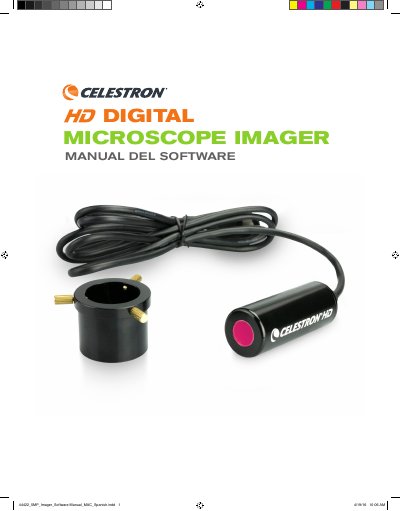
This document is a Spanish-language user guide for the Celestron 5MP HD digital microscope camera software designed for use with Apple Mac computers. It provides instructions on installing the application, configuring video resolution and preferences, and utilizing various function keys within the interface. This manual is written in Spanish.
| Sensor | Aptina 5 MP CMOS ½.5" |
|---|---|
| Video Output (Windows) | VGA 30fps |
| Recording Resolution | HD 720p / 30fps |
| Max Resolution (Mac) | 2MP |
| Weight | 42 g / 1.5 oz |
The maximum resolution when using a Mac OS system is limited to 2MP.
Place a ruler on the microscope stand, select 'Calibrar', choose reference units and size, then drag from one end of the visible dimension to the other.