
This is an operation manual that explains the procedures for configuring machine settings from your computer using the web page settings function embedded in the machine.
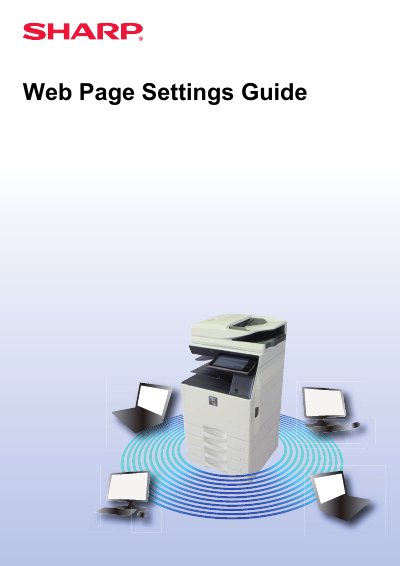
This guide provides instructions for accessing and configuring machine settings via the embedded web server. It covers accessing the web page using supported browsers, navigating the settings menu, and performing specific configurations such as Home Screen customization, security settings, and document operations. The guide assumes a working knowledge of computers and web browsers, primarily focusing on Internet Explorer on Windows 8.
| Supported Web Browsers (Windows) | Internet Explorer: 8 or higher, Firefox: 37 or higher, Chrome: 42 or higher |
|---|---|
| Supported Web Browsers (Mac OS) | Safari: 7 or higher |
Supported browsers include Internet Explorer 8 or higher, Firefox 37 or higher, Safari 7 or higher, and Chrome 42 or higher.
You can check the IP address by printing the 'List for User' from the 'Data List' on the 'Status' tab in the machine's settings mode.