
This manual introduces the use of GARMIN DASH CAM™ MINI 2, including installing storage cards, installing devices, connecting devices, formatting storage cards, etc.
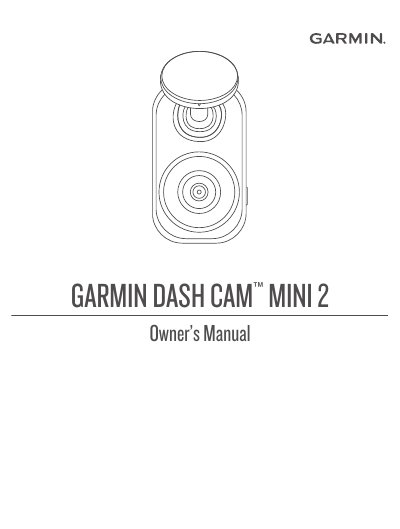
The Garmin Dash Cam Mini 2 is a dash camera designed for easy installation on a vehicle's windshield using an adhesive mount. It records video and audio, supports voice control commands, and allows users to manage footage via a smartphone app or Wi-Fi network. The device automatically records events and can be paired with the Garmin Drive app for remote viewing and storage management.
| Power Cable Length | 4 m (13 ft.) |
|---|---|
| Memory Card Format | FAT32 |
| Mounting Temperature Range | 21° to 38°C (70° to 100°F) |
Say OK, Garmin to activate the voice control feature.
Hold the button for eight seconds until the LED turns green, then red.
Yes, say Take a Picture to save a picture and a video clip.