
Full HD 3D Glasses User's Guide

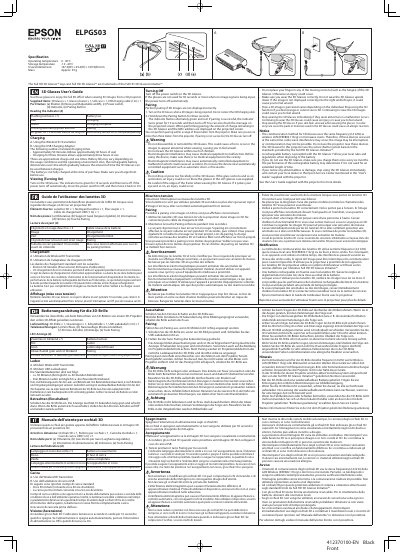
This user guide explains how to use the Full HD 3D Glasses to enjoy the full 3D effect when viewing 3D images from a 3D projector.

Full HD 3D Glasses User's Guide - cover page
Brand
Epson
Document type
User Manual
Language
English
Pages
2
File format
PDF
File size
1 MB
Published
16 October, 2023
Updated
16 October, 2023
MD5 checksum
CD5A6F21CDCB7389750A369BFEC46DEF

About this manual

This document serves as the user guide for Full HD 3D glasses designed to be used with a 3D projector. The supplied items include the glasses, a cleaning cloth, a soft case, and a USB charging cable. Key components identified are the shutter, adjustable nose pad, power switch, indicator light, and pairing button.

What's inside

  • Specification
  • Part Names
  • Reading the Indicator
  • Charging
  • Viewing (Turning On)
  • Pairing
  • Warning

Frequently asked questions

How long does it take to fully charge the glasses?

It takes approximately 50 minutes to fully charge the glasses.

What is the operating temperature range for these glasses?

The glasses operate within a temperature range of 0-40°C.

How far from the projector can you perform pairing?

You must stay within three meters of the projector to pair successfully.

Download PDF (1 MB)

More Epson Manuals


View all Epson manuals →