
This manual explains the procedures for installing the USB driver software for the FX- USB-AW or FX3U-USB-BD.
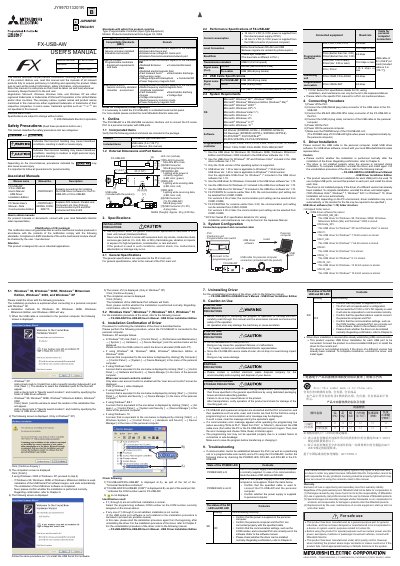
The FX-USB-AW is a programmable controller interface unit designed to connect FX series PLCs to personal computers via USB ports. It functions as an RS-422/USB conversion interface, allowing communication between the PLC and a PC running various Windows operating systems.
The document provides detailed specifications for the unit, including its dimensions, part names, and electrical characteristics. It also outlines the system requirements, such as supported software (GX Works2, GX Developer) and the specific USB driver versions required for different Windows operating systems. Installation procedures for the USB driver and the physical connection steps are also described.
| Product Type | Programmable Controller (Open Type Equipment) |
|---|---|
| Interface Function | RS-422/USB conversion interface unit |
| Baud Rate | 118200 bps, maximum |
| Transmission Standard | USB2.0 (For full speed) |
| Included Cable Length | 3 m (118.1") |
The maximum baud rate supported is 118200 bps.
The USB driver software Ver. 1.70 is required for Windows XP and Windows Vista.
The driver is not installed properly, and you must uninstall the driver and install it again to complete the process.