
This document introduces the use of the F905i_E2kou mobile phone, including the swinging display (horizontal display) and the use of wide screen display
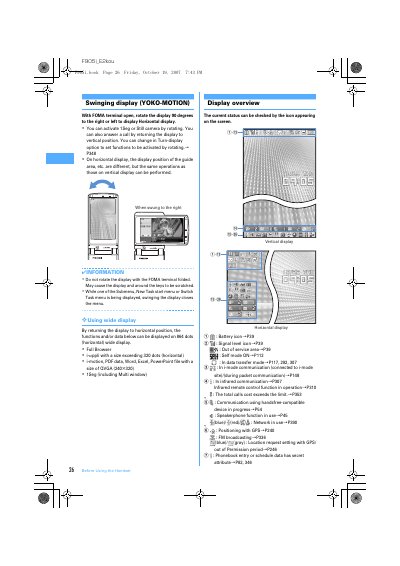
The document serves as a user guide for the FOMA F905i handset. It details specific functionalities such as rotating the display to 90 degrees (YOKO-MOTION) to access horizontal mode functions like Full Browser or i-motion. The manual explains how to activate these modes and warns against rotating the device while it is folded. This manual is written in Japanese.
With the FOMA terminal open, rotate the display 90 degrees to the right or left to display Horizontal display.
You must not rotate the display with the FOMA terminal folded because it may cause the display and around the keys to be scratched.
The light turns on when the FOMA terminal is folded and goes unlit after approximately 15 seconds without operation.