
This is a user manual for the FOMA SO703i mobile phone
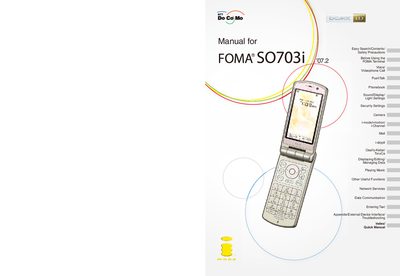
The Quick Manual provides step‑by‑step instructions for first‑time users of the FOMA SO703i mobile phone. It explains how to attach and charge the battery, perform the initial setup, confirm the phone number, and become familiar with the device’s keys and menus.
Additional sections cover voice and videophone calls, PushTalk, phonebook management, sound/display settings, security features such as Omakase Lock, camera functions, i‑mode services, mail handling, and software updates. Safety precautions and troubleshooting tips are also included.
Attach the battery pack and start charging, then power on, perform initial settings, and confirm the phone number.
Use the Omakase Lock feature to lock the terminal from a remote location.
It lets you send your phone number or keep it anonymous when making a call.
Select the Software update option to upgrade to the latest version.