
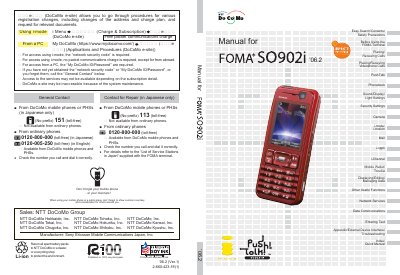
This is the Manual for FOMA SO902i, an NTT DoCoMo W-CDMA mobile phone. It gives step-by-step operating procedures with screen examples and explains how to look up functions by index, Easy Search, contents, cover headings, features, and menu list.
The manual covers first-time preparation such as attaching the battery pack, charging, power-on, initial settings, and confirming the phone number, then describes calls, videophone calls, PushTalk, phonebook, sound/display/light settings, security, camera, i-mode/i-motion, mail, i-oppli, i-Channel, Mobile Wallet/ToruCa, data management, network services, data communications, text entry, troubleshooting, and a quick manual.
| System | W-CDMA |
|---|---|
| Service support | FOMA Plus-Area |
Attach the battery pack and start charging; then power on, perform initial settings, and confirm your phone number.
No. The manual says it cannot be used outside the FOMA service area or where radio waves do not reach the terminal.
You need the optional Memory Stick Duo.