
This manual introduces how to use the FOMA SO704i mobile phone.
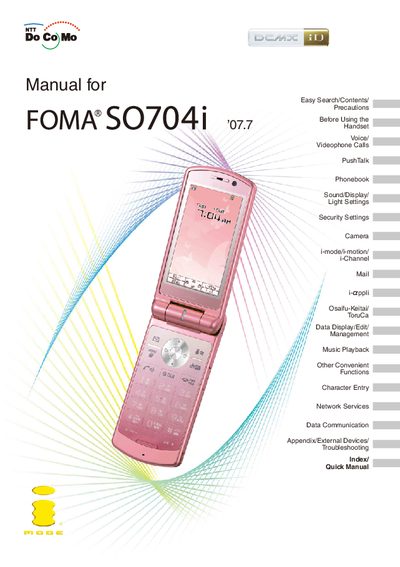
The Quick Manual provides step‑by‑step instructions for the most frequently used functions of the FOMA SO704i handset, such as making voice and videophone calls, using the phonebook, adjusting sound and display settings, and accessing security features. It also explains how to use optional accessories like a microSD memory card and how to navigate the manual with Easy Search and Index tools.
Safety precautions, network limitations, and security notes are highlighted at the beginning of the guide, reminding users that the device relies on radio frequencies and may not work in tunnels, underground areas, or locations with weak signal coverage. The manual also outlines paid services such as Omakase Lock and Data Security Service.
| Supported network | FOMA (W‑CDMA) |
|---|
No. Because the terminal operates using radio frequencies, it cannot be used inside tunnels, underground, or other locations where radio waves do not reach it.
An optional microSD memory card is required to use the functions that rely on microSD storage.
The Quick Manual is a folded booklet that summarizes the basic operations of the handset for convenient reference.