
DJI Osmo Action User Manual

This manual describes how to use Osmo Action
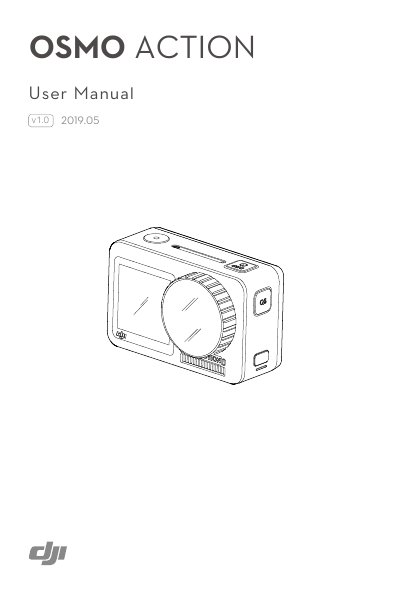

DJI Osmo Action User Manual - cover page
Brand
DJI
Document type
User Manual
Language
English
Pages
16
File format
PDF
File size
1.9 MB
Published
16 October, 2023
Updated
16 October, 2023
MD5 checksum
D8462865409C43D2B58D62A4DD9D27F7

About this manual

The DJI Osmo Action is a dual-screen action camera equipped with RockSteady EIS technology. It supports 12MP photos, stable video up to 4K/60fps, HDR recording, and voice control. The device features a hyper-responsive touchscreen on the back and a front screen for selfies.

What's inside

  • Introduction
  • Overview
  • Attaching the Battery
  • Activating Osmo Action
  • Charging Osmo Action
  • Button Features
  • Operating the Touchscreen
  • Storing Photos and Videos
  • Specifications

Specifications

Charging Timeapprox. 1 hour 30 minutes

Frequently asked questions

What is the charging time for Osmo Action?

The battery takes approximately 1 hour and 30 minutes to charge using a USB adapter of 5V/2A.

What shooting modes are supported in SnapShot?

Supported modes include Video, Photo, Slow Motion, HDR Video, Burst, Timed, AEB, Custom mode, and Timelapse.

Download PDF (1.9 MB)

More DJI Manuals


View all DJI manuals →