
This is a user manual for an EIZO monitor, which introduces how to properly install and use the monitor
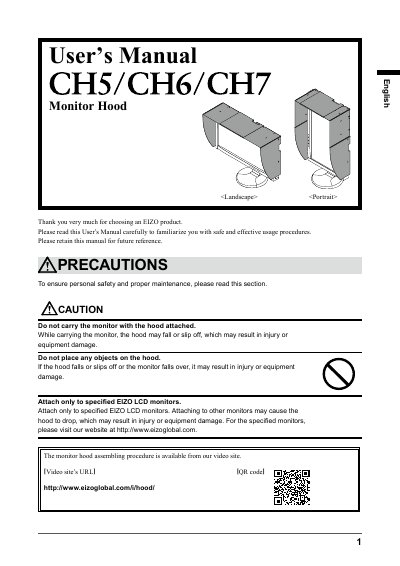
This manual provides instructions for the EIZO Monitor Hood, a device designed to attach to specific EIZO LCD monitors. It includes safety precautions, such as not carrying the monitor with the hood attached to prevent injury. The guide details the assembly and installation procedures for both landscape and portrait orientations.
| Dimensions (Landscape) | 653 mm (25.7) × 373 mm (14.7) x 225.5 mm (8.9) |
|---|---|
| Dimensions (Portrait) | 410.5 mm (16.2) × 635.5 mm (25.0) x 225.5 mm (8.9) |
| Weight (Landscape) | Approx. 940 g (2.07 lbs) |
| Weight (Portrait) | Approx. 1180 g (2.6 lbs) |
No, do not carry the monitor with the hood attached as it may fall or slip off, resulting in injury or equipment damage.
No, do not place any objects on the hood as it may fall or slip off, causing injury or equipment damage.
No, attaching to other monitors may cause the hood to drop, which may result in injury or equipment damage.