
DJI OSMO ACTION User Manual
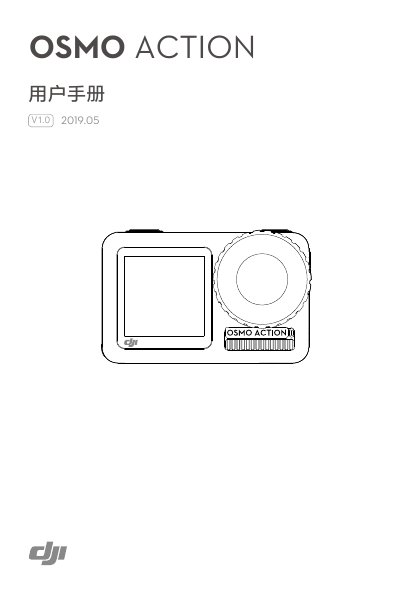
The DJI OSMO ACTION is an action camera featuring integrated electronic image stabilization, capable of shooting 4K 60p video and 12MP photos. It includes a dual-screen design with a front display for selfies and a rear touchscreen for viewing and settings. The camera is waterproof up to 11 meters without a housing and supports the DJI Mimo App for control and photo management. This manual is written in Chinese.
| Video Resolution | 4K 60p |
|---|---|
| Photo Resolution | 12MP |
| Waterproof Depth | 11 meters |
| Battery Capacity | 1300 mAh |
| Battery Type | LiPo 1S |
| Battery Energy | 5.005 Wh |
| Charging Time | Approx. 1 hour 30 minutes |
| Model Number | AC001 |
It takes approximately 1 hour and 30 minutes when using a 5V/2A USB charger.
The camera is waterproof up to 11 meters without a housing.
The camera supports English, Simplified Chinese, Traditional Chinese, Japanese, Korean, German, and French.