
This file is the manual for the Dell 6000 Inspiron laptop
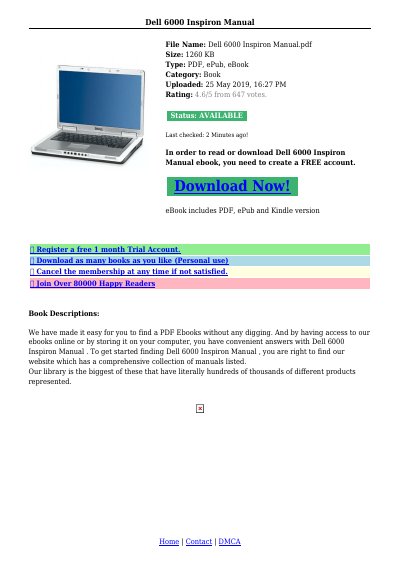
This document serves as a service manual for the Dell Inspiron 6000 laptop, model PP12L. It provides detailed instructions for disassembling the computer to access internal components such as the system board, memory modules, hard drive, and display assembly. The guide includes specific steps for removing and replacing parts like the microprocessor, MCH heat sink, and Mini PCI card, along with necessary precautions to avoid damage to the system board or data loss.
| Screen Size | 15.4 inches |
|---|---|
| Weight | 8.4 pounds |
| Model Number | PP12L |
The manual recommends using a screw identification placemat to track screw sizes and locations for components like the palm rest and system board.
The manual instructs users to remove the CoinCell battery before beginning work inside the computer to avoid damaging the system board.
Dell Diagnostics should be used when encountering drive problems, hard drive errors, keyboard issues, or unexpected characters on the screen.