
The Dell™ Inspiron™ 1525/1526 Service Manual provides detailed maintenance instructions for this computer, including maintenance before preparation, battery, memory, display, keyboard, speaker, motherboard and other parts of the maintenance method.
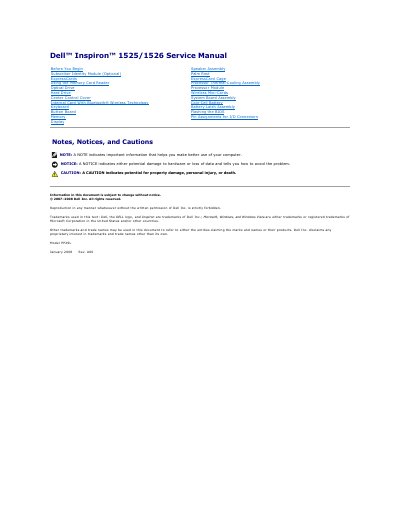
The document serves as a guide for certified service technicians to perform repairs on Dell Inspiron 1525 and 1526 laptops. It details safety precautions, such as discharging static electricity and removing the battery before working inside the chassis.
Specific procedures cover the removal and replacement of various internal components, including the processor module, hard drive, wireless mini-cards (Bluetooth), memory card reader, button board, keyboard, display, and charger board. It also includes instructions for flashing the BIOS from a CD or hard drive.
The procedures may require a small flat-blade screwdriver, Phillips screwdriver, and a small plastic scribe.
Yes, if you do not have a BIOS-update program CD, you can flash the BIOS from the hard drive by downloading the file from support.dell.com.
To prevent damage to the system board, you must remove the battery from the battery bay before beginning work.