
StoreJet SJM100/300/500 is an external hard drive from Transcend that can be connected to computers via Thunderbolt or USB interface, supports Mac and Windows systems.
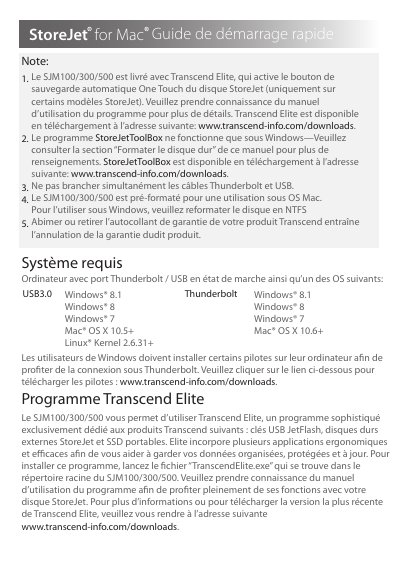
This document provides usage instructions for the Transcend SJM100/300/500 external hard drive. It details the installation and use of the included Transcend Elite software, which enables the One Touch automatic backup feature on supported models. The guide also explains how to use the StoreJetToolBox utility for formatting and managing the drive. This manual is written in French.
| Compatible Operating Systems | Windows 8.1, Windows 8, Windows 7, Mac OS X 10.5+, Linux Kernel 2.6.31+ |
|---|
The drive comes with Transcend Elite, which activates the One Touch automatic backup button.
Yes, the drive is pre-formatted for Mac but can be used under Linux with Kernel 2.6.31 or higher.
Drivers are available for download at www.transcend-info.com/downloads.