
This is a user manual for a portable humidity meter, which introduces the product's features, usage methods and maintenance and maintenance methods.
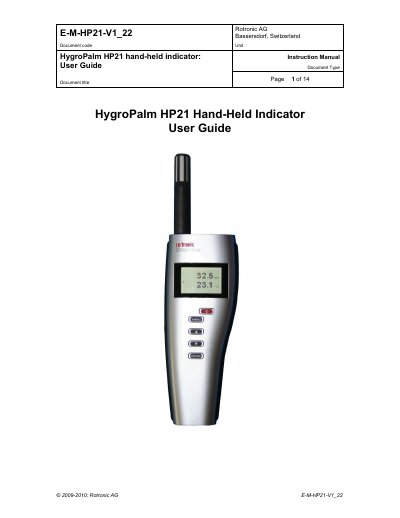
The Rotronic HP21 is a highly accurate hand-held indicator designed for spot checking HVAC installations, manufacturing, and storage areas. It measures relative humidity using a ROTRONIC Hygromer IN1 capacitive sensor and temperature using a Pt100 RTD, operating within a temperature range of -10 to 60°C. The device runs on a regular 9V alkaline battery and features the ROTRONIC AirChip 3000 digital technology.
| Temperature range | -10 to 60°C (14 to 140 °F) |
|---|---|
| Power supply | 9V alkaline battery |
| Humidity sensor | ROTRONIC Hygromer IN1 capacitive sensor |
| Temperature sensor | Pt100 RTD |
| Service connector type | mini USB type |
The HP21 operates within the temperature range of -10 to 60°C (14 to 140 °F).
The instrument operates with a regular 9V alkaline battery.
Configuration requires a PC with the ROTRONIC HW4 software (version 2.1.1 or higher) installed.