
This document is about Siemens SIMATIC PN/CAN LINK Operating Instructions
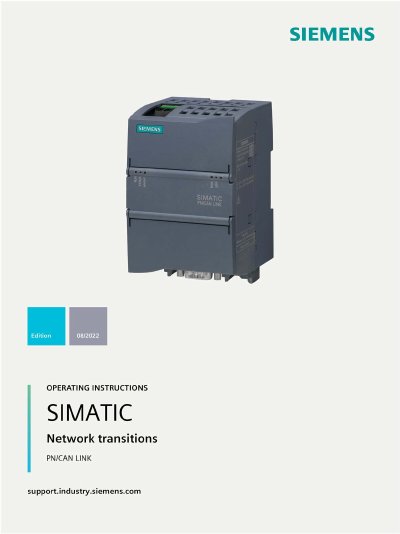
This manual provides comprehensive guidance for qualified personnel on the operation of the SIMATIC PN/CAN LINK. It covers safety instructions, system requirements, and detailed procedures for configuring the device in three operating modes: CANopen Manager, CANopen Slave, and CAN transparent.
The document details the installation process, including mounting guidelines and connection steps for power supplies, functional grounds, PROFINET interfaces, and CAN bus systems. It also includes sections on commissioning, diagnostics, maintenance, and technical specifications.
The documentation is intended for commissioning engineers, operating and service personnel, and system integrators.
Users need knowledge of programming SIMATIC S7 controllers, using the TIA configuration environment, PROFINET fieldbus, CAN or CANopen protocols, and automation technology.
No, the device contains no user-serviceable parts and unauthorized opening can cause injury or damage.