
PATLITE NH-FV Series Network Monitoring Signal Tower with MP3 Microsoft Azure Procedures Instruction Manual

This manual provides instructions for using Microsoft Azure to operate the NH-FV series.
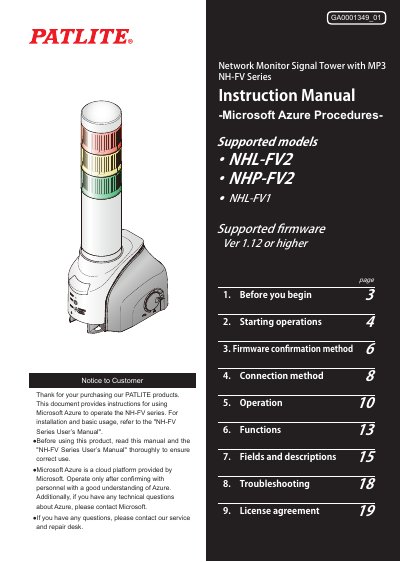

PATLITE NH-FV Series Network Monitoring Signal Tower with MP3 Microsoft Azure Procedures Instruction Manual - cover page
Brand
Patlite
Category
Other Electronics
Document type
User Manual
Language
English
Pages
19
File format
PDF
File size
2.5 MB
Published
16 October, 2023
Updated
16 October, 2023
MD5 checksum
11A91C262FD83ABAD61F90CBEDFA8159

About this manual

This document serves as a supplementary guide for using the PATLITE NH-FV Series Network Monitoring Signal Tower with MP3 in conjunction with Microsoft Azure cloud services. It details the specific procedures required to establish connections, manage settings, and utilize cloud features such as Device Twin and Direct Methods.

The manual covers essential steps including firmware verification (requiring version 1.12 or higher), connection setup for both Azure IoT Hub and Azure IoT Central, and operational instructions for sending and receiving messages between the device and the cloud.

What's inside

  • Before you begin
  • Starting operations
  • Firmware confirmation method
  • Connection method
  • Operation
  • Functions
  • Fields and descriptions
  • Troubleshooting

Frequently asked questions

What firmware version is required for Microsoft Azure operation?

The device must be running firmware Ver 1.12 or higher to support Microsoft Azure procedures.

What are the supported models for this manual?

The instructions apply to the NHL-FV2, NHP-FV2, and NHL-FV1 models.

What is the default IP address for the device?

The factory default IP address is http://192.168.10.1/index.htm.

Download PDF (2.5 MB)

More Patlite Manuals


View all Patlite manuals →