
Magellan RoadMate 6630T-LM Quick Start Guide

Magellan ® RoadMate ® 6630T-LM Quick Start Guide
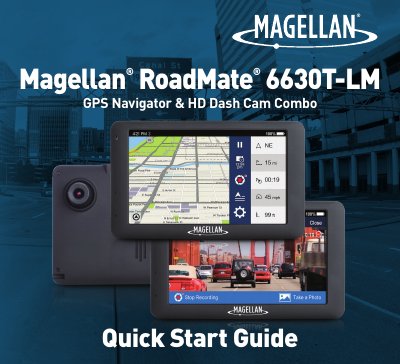

Magellan RoadMate 6630T-LM Quick Start Guide - cover page
Brand
Magellan
Category
GPS
Document type
Quick Start Guide
Language
English
Pages
17
File format
PDF
File size
4 MB
Published
16 October, 2023
Updated
16 October, 2023
MD5 checksum
768163C3A7CB45F92F5150B43AA8D2A9

About this manual

The Magellan RoadMate 6630T-LM is an Android-powered device combining GPS navigation with HD dash cam recording capabilities. This Quick Start Guide provides instructions for initial setup, including WiFi registration, map and software updates, and calibration of safety features like the Forward Collision Warning System (FCWS) and Lane Departure Warning System (LDWS).

What's inside

  • Getting To Know Your RoadMate
  • Register your RoadMate
  • Setting Up Your RoadMate
  • Update Your Maps and Software
  • Recording With Your RoadMate
  • Driving Assistance From Your RoadMate

Specifications

Operating TemperatureMaximum 140°F (60°C)
FCC ClassClass B digital device
FCC Distance20 centimeters

Frequently asked questions

Can I remove the battery?

No, the battery is rechargeable and should not be removed.

Do I need to register the device to download updates?

Yes, you cannot download map or software updates until you log in or register.

What video time limits are available?

You can select 1 min, 3 min, or 5 min for video recordings.

Download PDF (4 MB)

More Magellan Manuals


View all Magellan manuals →