
This manual is Iridium GO! product user manual, mainly introduces product safety and usage methods
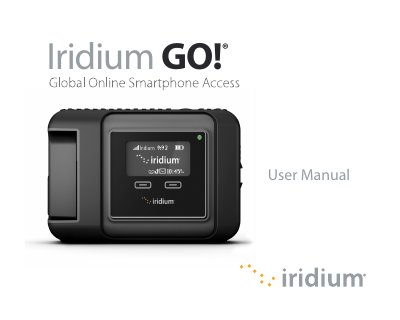
The Iridium GO! is a portable satellite communicator that allows users to make calls and send text messages from their Android or Apple iOS smartphones anywhere on the planet. The device connects to the global Iridium satellite network via built-in antennas or optional external antennas, providing connectivity in remote areas where cellular networks are unavailable.
This user manual covers essential safety information regarding radio frequency exposure, detailed instructions for pairing the device with a smartphone, configuring applications, and using features such as emergency calling (SOS button) and text messaging. It also includes troubleshooting guides and maintenance tips to ensure optimal performance.
The Iridium GO! solution works with Android™ or Apple® iOS devices.
The device should be used at a separation distance of 20 centimeters (7.8 inches) or more from persons.
Yes, users can use an external antenna for the Iridium transmitter, assuming a maximum antenna gain of 3.0 dBi.