
This manual mainly introduces the use method of projector, including pre-use precautions, product identification, main parts name and function, installation and use, power connection, lens adjustment, image adjustment, function setting, fault troubleshooting, etc., which introduces the various functions and usage methods of projector in detail, and provides help for users to use projector.
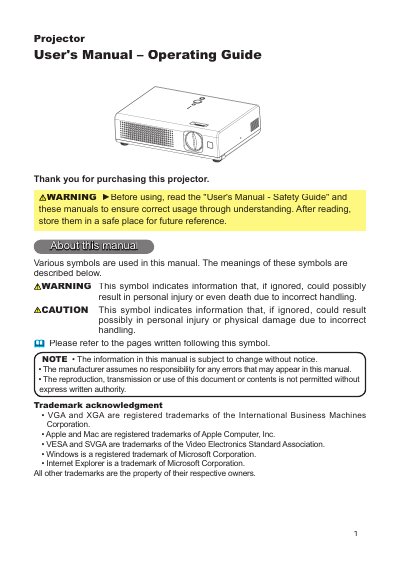
This manual provides operating instructions for the Epson EB-W05 projector, a compact device featuring a 165W Ultra High Brightness (UHB) lamp and Whisper mode for low-noise operation. It details the installation process, including fastening the lens cover and setting up the elevator, as well as connecting various input signals such as RGB, S-VIDEO, and VIDEO.
| Lamp Power | 165W |
|---|---|
| Remote Range | approx. 3 meters |
| Remote Angle | 60 degree range |
The remote control has an operating range of approximately 3 meters with a 60-degree angle.
Yes, a remote signal reflected in the screen may be available if direct transmission is difficult.