
Fanvil FDMS Upgrade Guide

This document introduces the upgrade method of Fanvil FDMS, the main steps are to unzip the patch file, stop OTS and DOS services, upgrade the application program, upgrade the system, upgrade FDMS client, upgrade the service
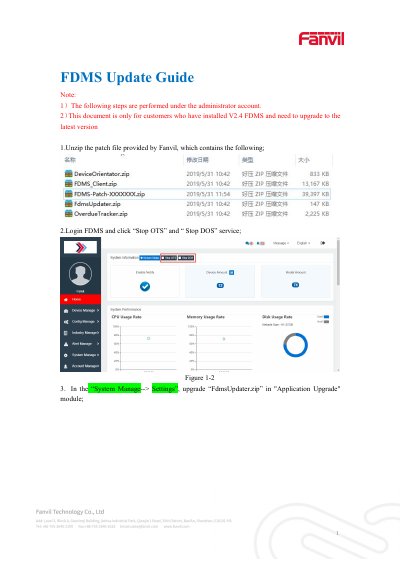

Fanvil FDMS Upgrade Guide - cover page
Brand
Fanvil
Category
Other Computer Accessories
Document type
User Manual
Language
English
Pages
4
File format
PDF
File size
597 KB
Published
15 October, 2023
Updated
15 October, 2023
MD5 checksum
615901A4F0BECF270BFD79E109AD5CE2

About this manual

This document serves as an upgrade guide for the Fanvil FDMS system, specifically for customers upgrading from version 2.4 to the latest version. The process requires administrator privileges and involves multiple steps to ensure a successful update.

What's inside

  • FDMS Update Guide
  • System Manage
  • Application Upgrade
  • System Upgrade
  • FDMS client Setting
  • Service Upgrade
  • Overdue Data Transfer Service
  • Device Orientate service

Frequently asked questions

Which account is required to perform these upgrade steps?

All the following steps must be performed under the administrator account.

What version of FDMS does this guide apply to?

This document is only for customers who have installed V2.4 FDMS and need to upgrade to the latest version.

What happens to the administrator account after the system upgrade?

After the system upgrade, the system will display "login timeout" to log out of the administrator account.

Download PDF (597 KB)

More Fanvil Manuals


View all Fanvil manuals →