
This user manual is for OSMO TM Action. It introduces the features and characteristics of the product, including pre-use precautions, app download, accessories installation, and operation functions.
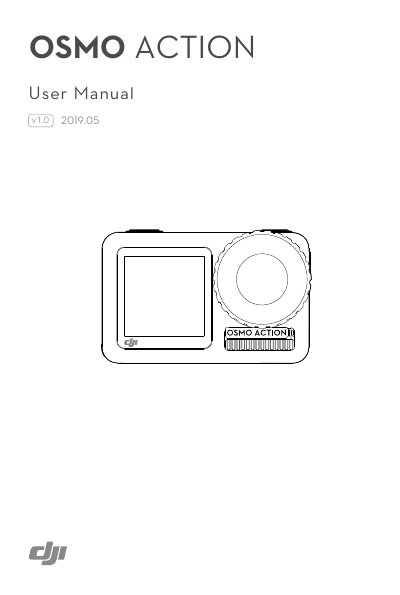
The DJI OSMO ACTION is a dual-screen action camera featuring RockSteady EIS technology, capable of shooting 12MP photos and stable 4K/60fps video. It includes a hyper-responsive touchscreen for settings and a front screen for selfies, along with voice control and a Quick Switch button for rapid mode changes. The device is waterproof up to 11 meters and compatible with various accessories.
| Charging Time | approx. 1 hour 30 minutes |
|---|
The charging time is approximately 1 hour 30 minutes when using a USB adapter of 5 V/2 A.
The camera is waterproof and can be used at depths of up to 11m.