
This manual describes how to install and use the software for the FAXPHONE L170.
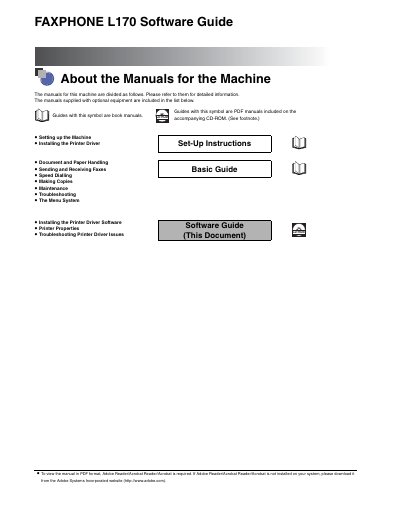
This document serves as a troubleshooting guide for the Canon FAXPHONE L170 printer driver software. It provides instructions for uninstalling the driver and resolving common issues related to printer driver problems, rather than general machine operation.
The guide covers system requirements for the Canon Advanced Raster Printing System (CARPS) and details the installation process for various Windows operating systems. It also explains how to configure printer properties, including tabs for General, Details, Page Setup, Finishing, Quality, and Profiles, as well as network sharing settings.
| Operating System Support | Windows 98, Windows Me, Windows 2000, Windows XP |
|---|---|
| CPU Requirement (Windows 98) | Intel Pentium 90 MHz or greater |
| RAM Requirement (Windows 98) | 32 MB or greater |
| Disk Space Requirement (Windows 98) | 100 MB or greater |
| RAM Requirement (Windows XP) | 64 MB or greater |
| Disk Space Requirement (Windows XP) | 500 MB or greater |
The driver supports Windows 98, Windows Me, Windows 2000, and Windows XP.
You can find help in this guide under 'Printer Driver Problems,' in the Basic Guide Chapter 13, or by using the online Help file provided with the driver software.