
EIZO CG2420 Color Management LCD Monitor Setup Guide

This manual introduces how to connect and use ColorEdge LCD display, as well as how to use ColorNavigator 7 to adjust the display
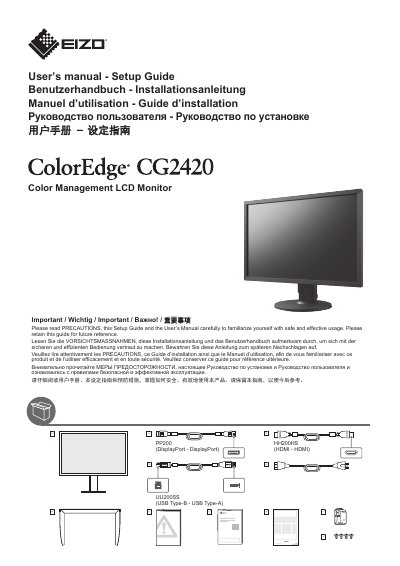

EIZO CG2420 Color Management LCD Monitor Setup Guide - cover page
Brand
EIZO
Category
Monitor
Document type
User Manual
Language
English
Pages
8
File format
PDF
File size
3.8 MB
Published
13 October, 2023
Updated
13 October, 2023
Model
CG2420
MD5 checksum
9B921930380ACA94C90260B7A06C99F0

About this manual

This document serves as a setup guide for the EIZO CG2420 Color Management LCD Monitor. It outlines important precautions regarding the use of the lock button to prevent product damage or injury. The guide also details the installation and usage of the ColorNavigator 7 software for adjusting monitor display and calibration.

What's inside

  • Important
  • Color Management Software
  • DisplayPort
  • Factory Preset
  • Recommended Resolution
  • Caution
  • Power on
  • Regulatory Compliance Notice

Frequently asked questions

What software is used to adjust the monitor display?

You can easily adjust monitor display using ColorEdge and ColorNavigator 7.

When should the lock button be used?

The lock button is only used to remove the stand from the monitor.

Download PDF (3.8 MB)

More EIZO Manuals


View all EIZO manuals →