
This manual describes how to install EIZO LA-011-W wall-mounting arm. It is suitable for displays with a total weight of 4.0kg to 9.0kg (including the weight of cables and optional peripherals), with a hole pitch of 100 mm x 100 mm (VESA compatible).
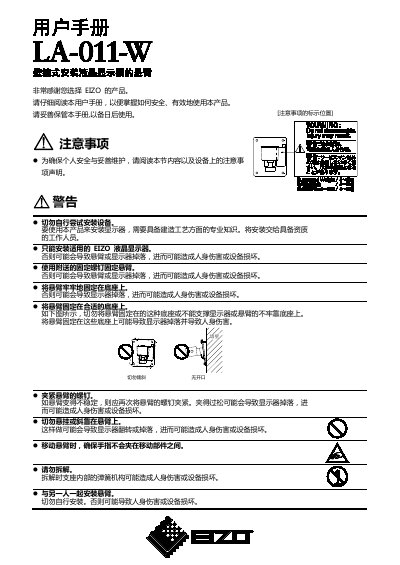
This user manual covers the safe and effective installation of the EIZO LA-011-W wall-mounting arm. It details the package contents, including the arm unit, covers, and screws, and outlines the step-by-step process for attaching the arm to the wall and the monitor. Important safety warnings are provided to prevent injury or equipment damage during installation and use. This manual is written in Chinese.
| Dimensions (W x H x D) | 109 x 172.1 x 113 mm |
|---|---|
| Supported Weight | 4.0kg to 9.0 kg |
| Hole Spacing | 100 mm x 100 mm |
Yes, screws for fixing the wall anchor on the wall are not enclosed and must be prepared in advance.
The arm supports a total weight of the monitor, including cables and peripherals, between 4.0kg and 9.0 kg.