
IPN Remote is a network compatible charge controller and battery system monitor for installation and operation manual. This manual includes important safety instructions, applicable to IPN Remote (IPN REM) models.
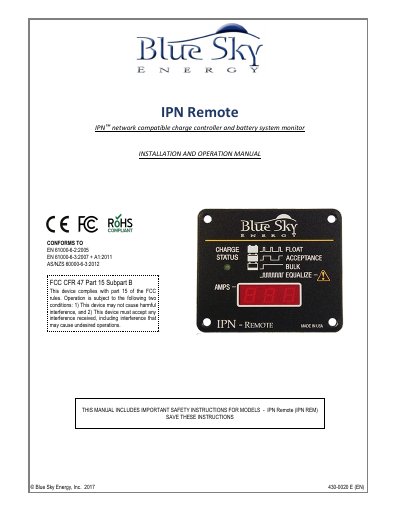
This manual provides instructions for the Blue Sky Energy IPN Remote, a network-compatible charge controller and battery system monitor. It details the product description, operation of the LCD display and charge status indicators, and how to configure the unit using a four-position DIP switch to select between single or total network output current.
| Power Consumption | 0.25W (typical standby), 1.0W backlit ON |
|---|---|
| Display Type | 3-Digit • 0.30" Low Power LED |
| Communication Cable | 25' (7.6m) RJ-11 4-pin telephone cable |
| Operating Temperature | -40°C – 40°C |
| Weight | 0.017 lb. (42 g) |
| Dimensions | 2.9 x 2.45 x 0.9" (7.4 x 6.2 x 2.3 cm) |
The total maximum cable length should be limited to approximately 500 feet (152.4m).
This usually indicates a faulty cable or that the display is not communicating with the charge controller.