
This manual provides installation and operation instructions for the Blue Sky Energy IPN-ProRemote, a charge controller and battery system monitor…
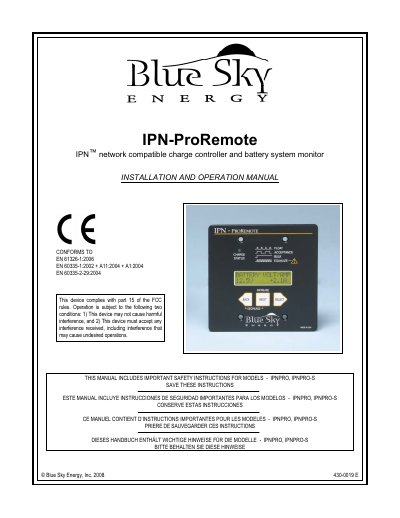
The IPN-ProRemote is a full-featured device that incorporates a multi-line backlit LCD display and three function keys to provide enhanced setup and monitoring of Blue Sky Energy's Integrated Power Net (IPN) compatible charge controllers. It allows users to access additional charge controller setup parameters, adjust settings to wider ranges, and monitor the combined total status of up to 8 charge controllers.
| Compatible Charge Controllers | Integrated Power Net (IPN) compatible charge controllers |
|---|---|
| Monitoring Capacity | Up to 8 charge controllers |
The models are IPNPRO (full featured with 25 foot cable) and IPNPRO-S (with required 500A/50mV current shunt).
Press NEXT to increase a setting. To decrease, press and hold NEXT, then additionally press and hold BACK.
You must press and hold the SELECT key for 4 seconds before the action is taken.