
This user guide mainly introduces the basic use methods and function introductions of NEC IPK II series multi-line telephones, including: answering calls, making calls, volume/contrast adjustment, etc.
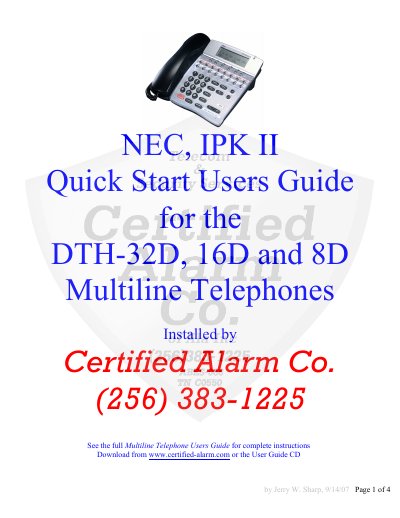
This document serves as a Quick Start User Guide for the NEC IPK II DTH-32D, 16D, and 8D multiline telephones. It provides essential instructions for basic operations including answering and making internal and external calls, adjusting volume and display contrast, and transferring calls.
The guide also details advanced features such as placing callers on hold, making conference calls, and utilizing soft keys for functions like Redial, Caller ID, and Paging. Additionally, it covers programming tasks such as setting Direct Station Select (DSS) keys, configuring Call Forwarding, and programming System Speed Dial numbers.
Press the volume button while the phone is ringing to adjust the volume up or down.
The Mic lamp must be on for callers to hear you when using hands-free.
Press the Feature and Hold buttons while the call is in progress to place the caller on exclusive hold.