
The document describes a printer with a multi-function all-in-one model, which is applicable to different models of printers. The document includes the steps and precautions for removing the rear cover.
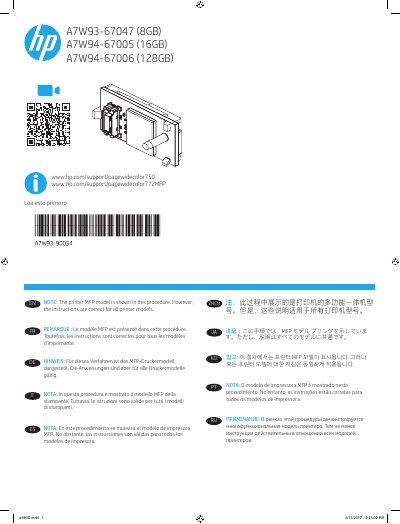
This guide provides step-by-step instructions for safely removing the embedded MultiMedia Card (eMMC) from supported HP PageWide Color MFP models. The procedure includes locating the rear cover latch, prying off the cover with care to avoid electrostatic discharge damage, and extracting the eMMC module.
You must use a small flat-blade screwdriver to carefully pry the top left corner of the rear cover.
You need to remove exactly one screw to locate and remove the embedded MultiMedia Card.
To install the replacement eMMC, you must reverse the removal steps.