
This document is about the user manual, which introduces the usage and precautions of the product, including operation instructions, paper handling, copy mode, print photo mode, scan mode, and setting mode.
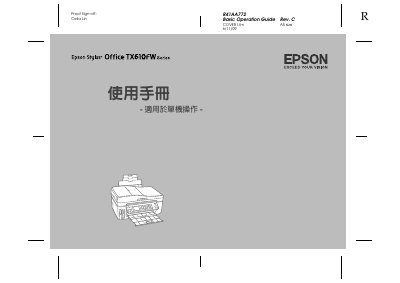
This document is a basic operation guide for the Epson R41AA772 device. It covers important safety instructions, control panel explanations, paper handling, memory card usage, printing modes, and troubleshooting information.
The guide details how to use the LCD panel, adjust settings like copy count and density, handle paper jams, and perform maintenance tasks such as checking ink levels and cleaning print heads. It also includes specific instructions for PictBridge setup and scanning to external devices. This manual is written in Chinese.
| Rated Voltage | 100 - 120 ±10% |
|---|---|
| Rated Frequency | 50 - 60 Hz |
| Rated Current | 0.5 A |
| Power Consumption (Ready Mode) | Approx. 5.0 W |
| Printing Method | Piezo Inkjet Technology |
The printer will automatically restart when power is restored and emit a beep for about two seconds.
The rated voltage is 100 - 120 ±10%.
In ready mode, it uses about 5.0 W of power.
The printer will automatically restart and beep for about two seconds when power is restored.