
This document is a user manual for a projector, which includes information about its features, settings, connections, and operations.
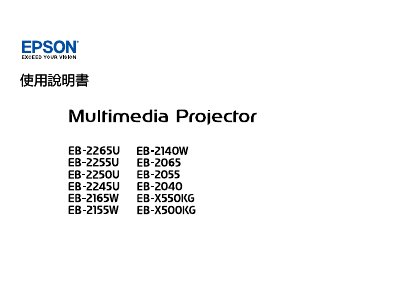
This user guide covers the setup and operation of Epson projectors. It details how to connect various input sources such as computers, mobile devices, and external speakers using HDMI, VGA, USB, and wireless methods like Screen Mirroring. The manual also explains how to adjust image settings, including zoom, focus, and keystone correction. This manual is written in Chinese.
Yes, you can connect using Screen Mirroring or QR codes.
The warning symbol indicates that negligence may cause personal injury or death, while the caution symbol indicates that negligence may cause personal injury or external trauma.
This symbol points out procedures that may cause projector damage and personal injury if not given sufficient attention.