
This document is the operation manual for Thorlabs' LDC200C series laser diode controller. The document includes information about laser diode protection features, safety, getting started, operating instructions, maintenance and service, etc.
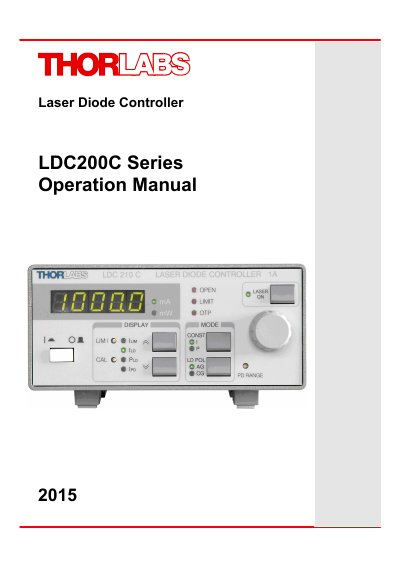
The Thorlabs LDC200C Series Laser Diode Controllers are high-accuracy injection current controllers designed for laser diodes and LEDs. The series includes various models (LDC200CV, LDC201CU, LDC202C, LDC205C, LDC210C, LDC220C, LDC240C) offering different current ranges, compliance voltages, and features such as ultra-low noise or enhanced voltage for blue lasers. Operation is managed via front panel elements and a 5-digit LED display, with the ability to switch the laser on/off using keys or a TTL remote signal.
| Current Range (LDC200CV) | 0 ... 20 mA |
|---|---|
| Current Range (LDC201CU) | 0 ... 100 mA |
| Current Range (LDC240C) | 0 ... 4 A |
| Compliance Voltage (LDC202C, LDC205C, LDC210C) | >10V |
| Ambient Temperature | 40 °C |
The soft start function protects the laser diode against undesired transients by smoothly increasing the injection current after switching the laser on.
If the connection to the laser is interrupted during operation, the output is switched off immediately and can be switched on manually only.
The interlock interface provides protection functions such as a safety lock to prevent unintentional use and monitoring for cable disconnect or damage.