
This document is a Chinese manual for Garmin products, describing the features, characteristics, and instructions for use of the products.
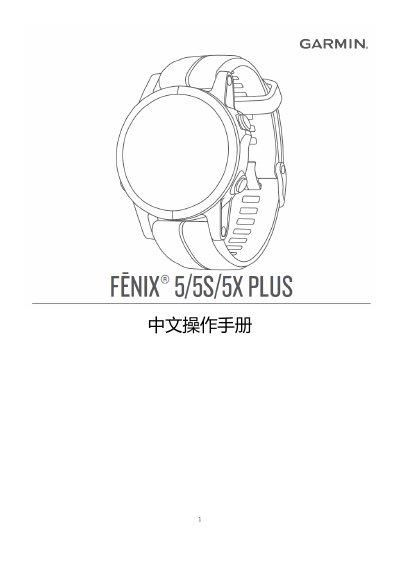
This document is the Chinese user manual for the Garmin Fēnix 5, 5S, and 5X Plus smartwatches. It provides comprehensive instructions on using the device's features, including fitness tracking, navigation, music playback, and connectivity with smartphones via Garmin Connect. The guide covers basic operations such as charging, pairing, and navigating menus, as well as advanced settings for activities like running, swimming, and golf. It also includes troubleshooting tips and maintenance advice for the watch and its accessories. This manual is written in Chinese.
| Compatible Models | Fēnix 5/5S/5X Plus |
|---|
Connect the smaller end of the USB charging cable to the device, then connect the USB end to a computer's USB port.
Download and open the Garmin Connect mobile app, keep the phone within 10 meters, and press and hold the LIGHT button to power on the device.
The phone must be an iPhone 4S or later, or an Android 4.3 or later device that supports Bluetooth 4.0.