
Connect Station is a device that allows you to import captured images for viewing on your TV set, smartphone, etc., or sharing over a network, and more. It has various functions, including importing, viewing, sharing, printing, copying, and backing up images.
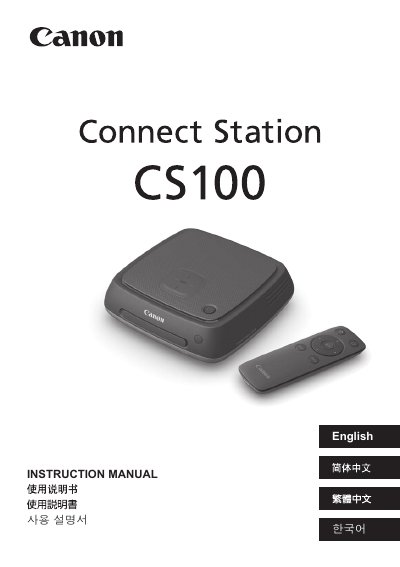
The Canon Connect Station CS100 is a device designed to import captured images from cameras or camcorders for viewing on a TV set, smartphone, or other terminals. It also allows users to share images over a network and print them using a connected printer.
Before using the device, it is important to read the safety precautions regarding electrical shock, fire hazards, and battery handling. The manual covers setup procedures including connecting the unit to a TV set via HDMI and performing initial settings.
The device must be operated between 0°C and 35°C (32°F - 95°F) with a relative humidity of 20% to 85%.
The product cannot be used in locations that are 3,000 m / 9,843 ft. or more above sea level.
You must use a household power outlet ranging from 100 VAC to 240 VAC at either 50 Hz or 60 Hz.