
The DJI MATRICE 200 Series M210/M210 RTK is a powerful industrial-grade flight platform with world-class agility and speed, two barometers, and redundant IMUs for maximum reliability, and new, smart flight features that make capturing complex shots easy. The aircraft’s visual sensors enable enhanced hovering precision even when flying indoors or in environments where GNSS is unavailable. The drone’s new airframe design gives it an IP43 Ingress Protection Rating, in accordance with the global IEC 60529 standard. The M210/M210 RTK’s mechanical design, along with quick-release landing gears and mounted folding arms, makes it easy to transport, store, and prepare for flight. The M210/M210 RTK is compatible with many of DJI’s DGC2.0 connector gimbals, supporting a single upward gimbal or dual downward gimbals. It is equipped with many expansion ports to broaden its applications. The M210 RTK has a built-in DJI D-RTK, which provides more accurate heading data for positioning. New Intelligent Flight Batteries feature upgraded battery cells and an advanced power management system. Without a payload, the M210 provides up to 27 minutes of flight with standard batteries and 38 minutes with high-capacity batteries. The M210 RTK offers up to 23-minute and 32-minute no-payload flight times with standard and high-capacity batteries, respectively.
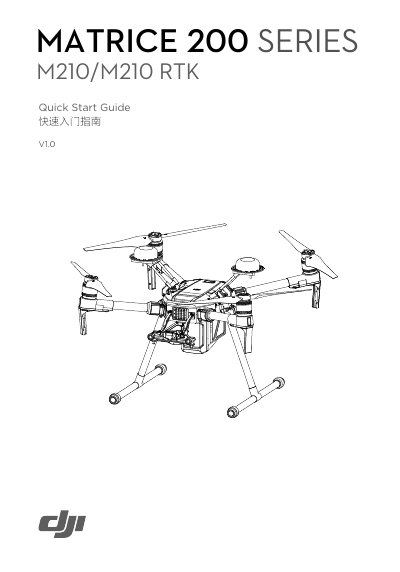
This Quick Start Guide covers the initial setup for the DJI M210/M210 RTK, an industrial-grade flight platform featuring redundant IMUs and visual sensors. It details the preparation of the aircraft, including unfolding the frame arms, installing landing gears, and mounting propellers. The guide also explains how to prepare the remote controller, such as mounting the CrystalSky monitor and installing the intelligent flight battery.
The Stick Mode is set to Mode 2 by default.
The M210 RTK offers up to 32 minutes of no-payload flight with high-capacity batteries.
The battery can be fully charged in about 2 hours and 24 minutes with a 180 W charger.
The remote controller features O3 LIGHTBRIDGE technology for a maximum transmission distance of up to 7 km.