
This document is a quick installation guide for the D-Link DIR-619L wireless router. It provides instructions for panel indicator lights and backboard, hardware connection methods, wireless network and mydlink connection settings, and wireless network card connection settings with the router. The document also includes appendices with instructions for resetting and updating firmware, as well as TCP/IP settings for computers.
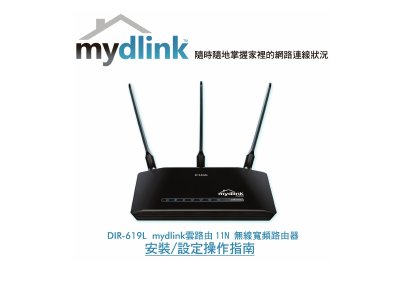
This Quick Installation Guide assists users in setting up the D-Link DIR-619L wireless router for home or small office use. It covers hardware installation, including connecting power, internet sources (ADSL/Cable Modem), and LAN devices. The guide also details how to configure the router via a web browser and set up wireless connections for various operating systems. This manual is written in Chinese.
| Power Input | DC 12V/1.25A |
|---|---|
| Power AC Input | AC 100-120V 0.5A, 50-60Hz |
| Power Output | DC +12V 1.25A |
| LAN Port Speed | 10/100mbps |
| Internet Port Speed | 10/100mbps |
| Default IP Address | 192.168.0.1 |
Press the Reset button on the device for 10 seconds while the power is on.
The default IP address is 192.168.0.1.
Use standard Cat.5E or Cat.6 network cables with EIA/TIA 568A/B connectors.