
This document is the setup guide for EIZO color LCD monitor, providing instructions for safe and effective usage. It mentions the User's Manual stored on the CD-ROM and provides details on screen adjustments and settings in the User's Manual on the EIZO LCD Utility Disk (CD-ROM).
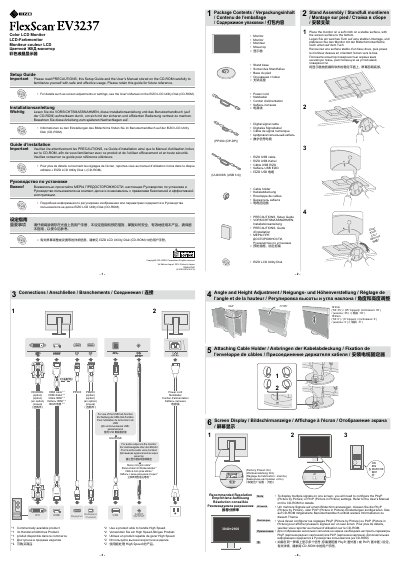
This document serves as a setup guide for the EIZO LCD-Farbmonitor, covering package contents, stand assembly, and connection procedures. It includes multilingual instructions for installing the monitor on a stable surface and connecting power and signal cables (HDMI, DisplayPort, USB).
For details such as screen adjustments or settings, see the User's Manual on the EIZO LCD Utility Disk (CD-ROM).
The recommended resolution is 3840×2160.
The device connected using DisplayPort has a problem; solve the problem, turn off the monitor, and then turn it on again.