
Philips GoGear Music Player Quick Start Guide

This document is a quick start guide for the Philips GoGear music player, providing support information such as user manuals, software updates, and answers to frequently asked questions.
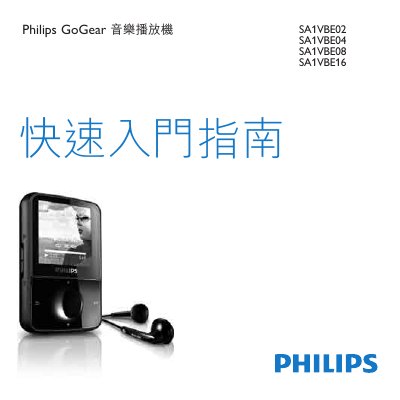

Philips GoGear Music Player Quick Start Guide - cover page
Brand
Philips
Category
Player
Document type
User Manual
Language
Chinese
Pages
17
File format
PDF
File size
1.1 MB
Published
11 January, 2023
Updated
28 September, 2023
MD5 checksum
6ED86648CEFA22DCB4401BEC36C49265

About this manual

This document serves as a Quick Start Guide for the Philips GoGear music player, covering models SA1VBE02, SA1VBE04, SA1VBE08, and SA1VBE16. It provides essential instructions for initial setup, including registering the product, identifying box contents, and connecting the device to a computer for charging and software installation. The guide details the use of control buttons for navigation, playback, and volume adjustment. This manual is written in Chinese.

What's inside

  • Register your product
  • Box contents
  • Control keys and connection overview
  • Connecting and charging
  • Installing software
  • Turning on GoGear Vibe
  • Browsing and playing
  • Transferring and organizing
  • Listening to radio
  • Updating GoGear Vibe

Frequently asked questions

What is the minimum RAM required for the computer to install the software?

The computer must have at least 512 MB of RAM.

How long must the GoGear Vibe charge before first use?

You must charge the device for 3 hours before first use.

Download PDF (1.1 MB)

More Philips Manuals


View all Philips manuals →