
This document is the user manual for the DC500 People Counter, which provides information on the product's parameter settings, sensor functions, hardware interfaces, installation methods, and communication protocols.
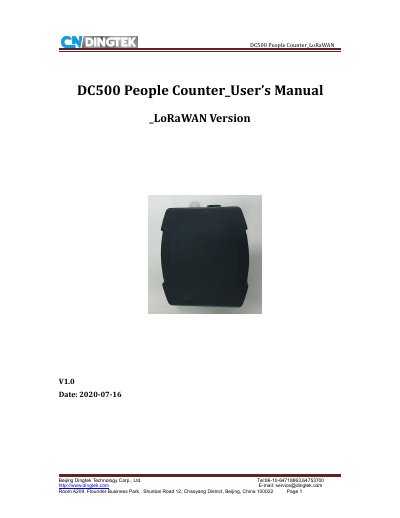
This manual provides instructions for the Dingtek DC500 People Counter, a LoRaWAN-based device designed to count the number of passing people and report alarm status when a set threshold is reached. It details default parameters for various LoRaWAN bands, including heartbeat intervals and battery alarm thresholds.
| Heartbeat interval | 24 hours |
|---|---|
| People count alarm threshold | 500 |
| Battery alarm threshold | 20% |
Possible causes include no battery connected, frequent unplugging/plugging of the battery, band error, improper registration on the Network server, gateway disconnection, distance from the gateway, or a dead battery.
Move the magnet along the arrow on the device and then remove it to restart the device.