
This document is a setup guide from Seiko Epson Corporation, providing instructions for using the ES-50 and ES-60W scanners. The ES-60W can be used over a Wi-Fi network and requires a sufficiently charged battery. The document also includes connection instructions in multiple languages.
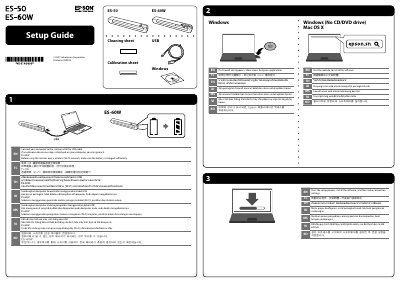
This document serves as a quick setup guide for the Epson ES-50 and ES-60W color scanners. It covers initial steps such as connecting the device to a computer via USB cable and handling firewall alerts to allow access for Epson applications. The guide also provides specific instructions for using the scanner over a wireless Wi-Fi network, noting that the battery must be sufficiently charged before use.
Allow access for Epson applications.
Download and install the free Epson DocumentScan app from the App Store or Google Play.