
This document is a user manual for the CL-E720/CL-E730 barcode label printing machine, which introduces the features, safety instructions, operation methods, adjustment methods, etc. of the printer.
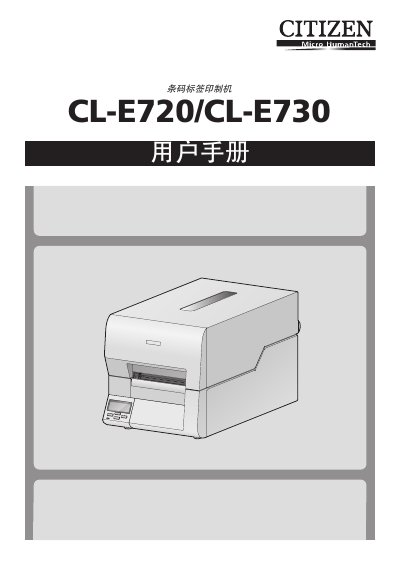
The Citizen CL-E720 and CL-E730 are high-speed, high-quality thermal barcode label printers designed for various applications including receipts and data labels. These models utilize an ARM Cortex-A9 processor and a Citizen proprietary control integrated circuit to ensure precise printing performance.
The document covers essential topics such as safety precautions, installation procedures, daily operations, and printer maintenance. It details how to perform specific settings like label thickness adjustment, print density correction, and sensor calibration to maintain optimal output quality. This manual is written in Chinese.
| Maximum Label Width | 118 mm (4.65 inches) |
|---|---|
| Processor | ARM Cortex-A9 |
| Interface Support | Ethernet (LAN) and USB 2.0 |
The printer supports a maximum label width of 118 mm or 4.65 inches.
The printer uses an ARM Cortex-A9 processor.