
This document is an instruction manual for Philips 720 and 725, providing information about the design and specifications of the products, as well as detailed descriptions of the controls, switches, microphone, and sockets.
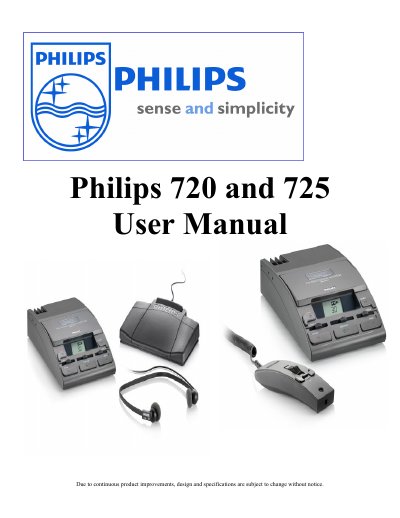
The Philips Dictation System 720 and 725 is designed to facilitate dictation and transcription tasks with an LCD display that provides real-time information about the system's status. The device features various controls for speed, volume, tone, and playback functions, as well as switches for automatic rewind and backspace.
| Automatic Power Off | 15 minutes |
|---|---|
| Fast Forward/Rewind Speed | 20x playback speed |
| Automatic Backspace Max | 8 seconds |
Press the fast forward and fast rewind keys simultaneously.
The system gives a warning tone if a recording is attempted with a record protected cassette.
Turn the ABS slider to 0 to turn off the automatic backspace function.