
HP Photosmart C4200 All-in-One Series Basics Guide

This document is a basic guide for the HP Photosmart C4200 All-in-One series printer. The document provides an overview of the series, including the control panel buttons, loading originals and paper, avoiding paper jams, copying, scanning, printing photos, replacing ink cartridges, and cleaning. It also covers troubleshooting and support, as well as technical information.
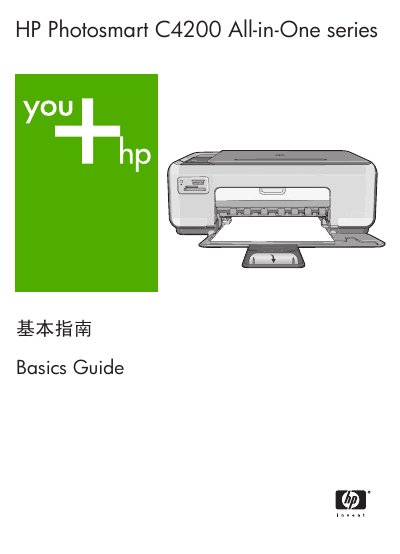

HP Photosmart C4200 All-in-One Series Basics Guide - cover page
Brand
HP
Category
Printer
Document type
User Manual
Language
Chinese
Pages
41
File format
PDF
File size
6.9 MB
Published
08 November, 2022
Updated
28 September, 2023
Model
C4200
MD5 checksum
36DC9E454426F6349628677C67BC34A6

About this manual

This document serves as a basics guide for the HP Photosmart C4200 All-in-One series, covering essential operations such as copying, scanning, and printing. It also includes instructions for replacing print cartridges and cleaning the device. This manual is written in Chinese.

What's inside

  • HP All-in-One Overview
  • Control Panel Buttons
  • Finding More Information
  • Loading Documents and Paper
  • Avoiding Paper Jams
  • Copying
  • Scanning Images
  • Printing Photos
  • Replacing Print Cartridges
  • Cleaning HP All-in-One
Download PDF (6.9 MB)

More HP Manuals


View all HP manuals →