
This document is the user manual for TM-T88V and TM-T82II printers, including the features and characteristics of the products as well as usage instructions.
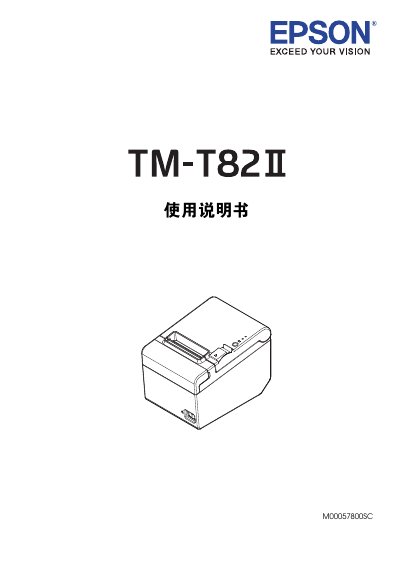
This document is a user guide for the Epson TM-T82II and TM-T88V thermal receipt printers. It covers safety precautions, unboxing contents, and detailed installation procedures including horizontal and vertical mounting options as well as wall hanging configurations.
The manual provides step-by-step instructions for connecting various interface cables such as USB, IEEE1284 parallel, RS-232 serial, and Ethernet. It also includes a troubleshooting section addressing common issues like paper jams, error indicators, and overheating. This manual is written in Chinese.
Do not touch the print head immediately after printing as it may be hot, and do not use flammable gas sprays near the device.
Use the included wall bracket, ensuring screws are installed in wood, concrete, or metal walls with sufficient tensile strength.
The printer will stop printing automatically; wait for it to cool down before resuming.