
This document is the product user manual, which introduces the features and usage of NovaStar video controller V700.
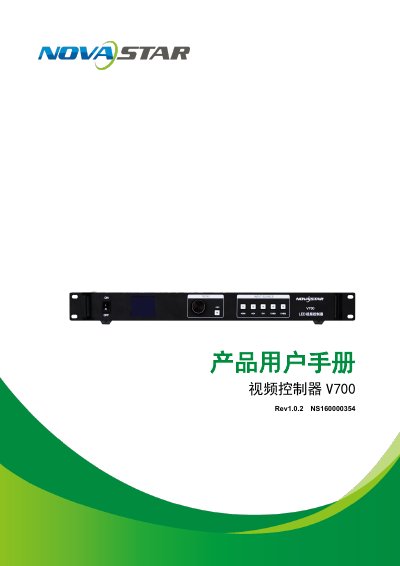
The NovaStar V700 is a professional-grade LED display controller featuring integrated front-end video processing and display control functions. It utilizes the Nova G4 engine to ensure stable images without flickering or scan lines, supporting high-bit depth inputs (10bit/8bit) and various input interfaces including HDMI, DVI, VGA, and CVBS. This manual is written in Chinese.
| Max Input Resolution | 1920×1200@60Hz |
|---|---|
| Video Output Capacity | 130万像素 (1280x1024, 1440x900) |
| Max Pixels Supported | 130万个像素 (1024×1280 @60Hz) |
| Power Supply | AC 100-240V~50/60HZ |
The device allows configuration via a single knob and button to complete system setup.
The controller supports a maximum horizontal load of 3840 pixels.
Press and hold both the knob and the ESC key simultaneously to lock or unlock.